Table of Contents
Three options for replacing Cisco WFO
As a Cisco SolutionsPlus partner that’s a direct replacement for Cisco WFO, we want to make sure companies understand the migration paths as WFO goes end-of-life. Cisco announced end of life for Webex WFO. The last day to order it was July 25, 2026. Current customers can renew or add licenses until July 30, 2027, and Cisco will support active subscriptions through July 31, 2031 (Cisco EOL notice).
If Webex WFO runs your recording, quality management, scheduling, or speech analytics, the replacement decision belongs on this year’s plan.
What’s changing
The Cisco WFO end-of-life dates
| Milestone | Date |
| End-of-life announcement | July 1, 2026 |
| End of sale | July 25, 2026 |
| Last date to renew or add to a subscription | July 30, 2027 |
| Last date of support | July 31, 2031 |
The notice covers the full Webex WFO suite: call recording, quality management, analytics and transcription, workforce management, storage, and reporting add-ons. Cisco points customers to compatible products in its partner catalog, or to the AI features built into Webex Contact Center.
Your options
Every path off Cisco WFO is a “migration”
Most teams are weighing three choices. Each one moves your data, your forms, and your users, so it is worth comparing them on what you get at the end.
- Move to Webex Contact Center’s built-in tools. Cisco offers a level of AI QM and WEM. This keeps everything inside a Cisco tenant. Though teams with a mature QM program, and complex scheduling or reporting should check feature depth against what they run today.
- Move to Calabrio ONE directly. Webex WFO was built with Calabrio, so this can look like the shortest path. As we understand it, it still means a new contract, a new Calabrio tenant, a data migration, SSO reconfiguration, and a new support path.
- Move to SuccessKPI. As a SolutionsPlus partner, SuccessKPI connects to Webex Contact Center out of the box and covers workforce management, quality management, speech and text analytics, and BI in one platform. You can move one module at a time while Cisco WFO keeps running.
Since you are migrating either way, this is the right moment to look at what else is on the market.
Why SuccessKPI
Every Cisco WFO module has a home
| Cisco WFO module | Moves to | What you gain |
| Workforce management | SuccessKPI WFM | Machine learning forecasts, real-time adherence, and long-term capacity planning on Webex |
| Quality management and recording | SuccessKPI QM | Automated scoring on the questions you configure, plus calibration, disputes, and coaching |
| Speech and text analytics | Speech & Text and the GenAI suite | Deep Prompt, Auto Scoring, and Topic Miner across your conversations |
| Reporting and data | BI and Command Center | Webex data joined with other CCaaS, CRM, HRIS, and survey data |
Here is when you should choose SuccessKPI over your existing setup:
1. You Need Advanced AI-Powered Quality Management (QA)
- The Scenario: You want to move away from manual “random sampling” (where supervisors listen to 2% of calls) to 100% automated call scoring.
- Why SuccessKPI: It excels at analyzing 100% of voice and digital interactions across the contact center. It automatically detects customer sentiment, tracks compliance script adherence, and flags anomalies instantly, saving hundreds of hours for QA teams.
2. You Want Real-Time Agent Coaching & Guidance
- The Scenario: Your agents handle complex compliance requirements or emotional customers, and they need help during the call, not days later.
- Why SuccessKPI: They offer robust real-time agent assistance. The software listens to the live call, detects user intent or frustration, and pushes next-best-action prompts, compliance alerts, or relevant knowledge-base links directly to the agent’s screen in real-time.
3. You Require Deep Executive Analytics and Cross-Platform BI
- The Scenario: You need to blend contact center metrics (like handle time) with external business data (like CRM sales pipeline, ERP data, or CSAT surveys) into a single dashboard.
- Why SuccessKPI: It features an enterprise-grade, integrated Business Intelligence (BI) layer. Instead of just showing standard contact center charts, it acts as a data warehouse play, making it incredibly easy for executives to build custom, cross-departmental dashboards.
If your biggest pain points are insights, compliance, and agent performance. If your scheduling is relatively simple but you are blind to why customers are calling, what your agents are saying, or how to improve first-contact resolution, SuccessKPI is the right fit.
What SuccessKPI Brings to Your Webex Environment
If you choose to migrate to SuccessKPI, the platform introduces features focused heavily on modern, cloud-native automation and AI, which differs from legacy WFO tools:
- Hybrid Workforce Governance: It is specifically designed to manage contact centers that mix human agents with conversational AI or virtual assistants, allowing you to score quality across both.
- Automated Quality Management: Instead of manually sampling random calls (like traditional WFO setups), SuccessKPI uses AI to evaluate and score interactions at scale.
- Deep Analytics & Reporting: It includes advanced speech analytics, sentiment tracking, and built-in operational “playbooks” that trigger automated coaching or actions based on conversation trends.
- Unified WFM: It handles standard workforce management features, including AI-driven scheduling, forecasting, and real-time adherence tracking.
You keep what you built. Your evaluation forms, scoring weights, categories, compliance phrases, and KPI definitions become the starting point for the new setup.
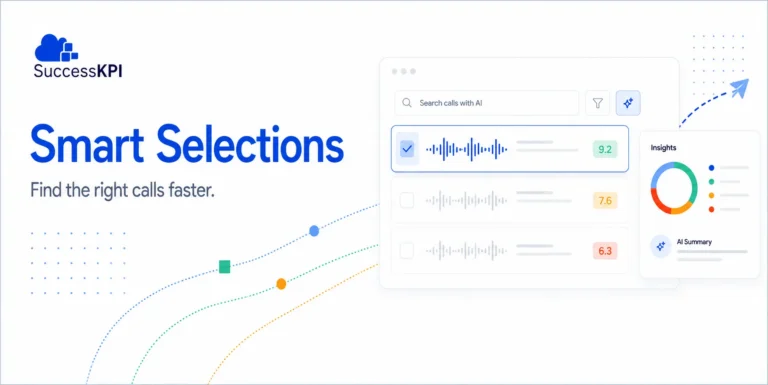
You score far more than a sample. Most QA teams review a small slice of calls by hand. SuccessKPI scores interactions automatically against your own forms, and human and AI agents land on the same scorecard.
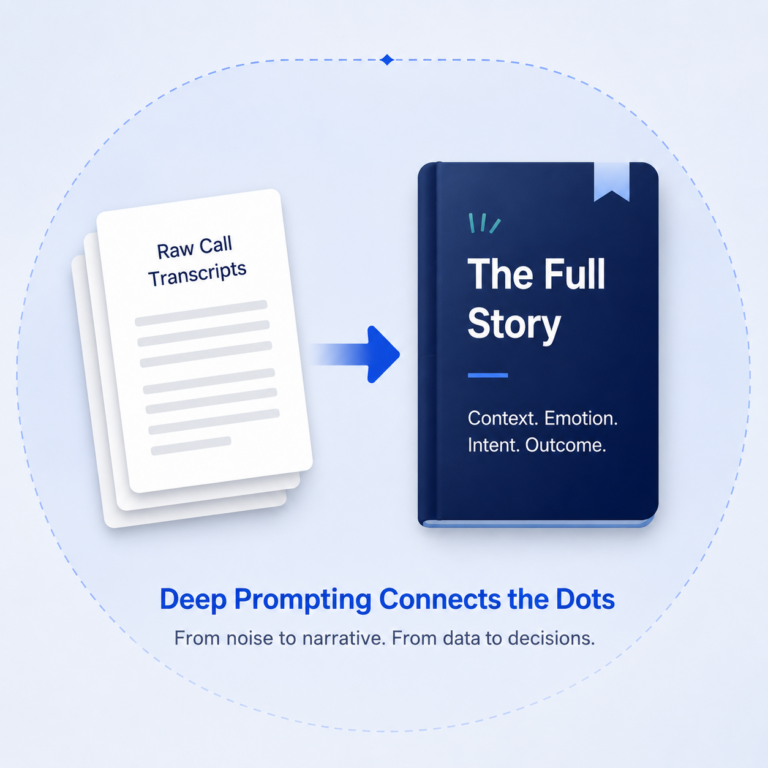
You can ask any question of every conversation. Phrase lists find words. Deep Prompt answers questions such as “Did the agent verify identity before discussing the account?” on every call in scope, and returns the answer as a field you can report on.
You get help during the call. Agent Assist and Playbooks put guidance and compliance prompts in front of agents while the customer is still on the line.
Your reporting reaches past WFO. WFO dashboards show WFO data. SuccessKPI puts Webex queues, IVR, digital channels, speech, QM, and WFM in one data model, then adds the business systems around them.
How the move works
A phased transition, run side by side
SuccessKPI Professional Services can run the transition with both platforms live, so planners and QA leads can compare results before any team switches over. Your Cisco WFO contract continues through its term.
- Discover. Review your current setup and pick the first teams.
- Connect. Enable SuccessKPI on Webex Contact Center.
- Configure. Set up QM, analytics, and WFM, guided by what you run today.
- Run in parallel. Planners and QA leads review results side by side.
- Transition in waves. Move a few teams at a time, at your pace.
- Go live. Focused support as each team switches over.
New interactions can flow into SuccessKPI from go-live. Your existing recordings stay available in Cisco WFO through its term, and we agree on a retention approach that fits your compliance rules. Smaller single-site centers typically finish in a few weeks. Multi-site operations take longer, and the plan is confirmed after discovery.
Ready to plan your move?
Start with the module that matters most
- Talk with our team about a module-by-module plan for leaving Cisco WFO. Request a demo →
Related content:
FAQs:
Cisco stopped selling Webex WFO on July 25, 2026. Existing customers can renew or add licenses until July 30, 2027, and support for active subscriptions ends July 31, 2031.
The main options are SuccessKPI via SolutionsPlus, Webex Contact Center’s built-in AI tools, or Calabrio ONE purchased directly. SuccessKPI is a strong fit for Webex Contact Center and Webex Calling customers who want WFM, QM, BI analytics, speech and text, and more, in one platform and want the ability to migrate everything at once, or one module at a time.
es. As we understand it, moving to Calabrio ONE still requires a new contract, a new tenant, a data migration, SSO reconfiguration, and a new support path, so it is a migration not completely unlike the other options.
Yes. SuccessKPI connects to Webex Contact Center through an included connector and syncs agents, teams, queues, and interaction data.
Yes. Teams usually start with the module that matters most, such as QM or WFM, run it side by side with Cisco WFO, and add the rest on the same Webex connection.
New interactions can flow into SuccessKPI from go-live. Existing recordings stay available in Cisco WFO through its term, and the retention approach is agreed during discovery based on your compliance rules.
Smaller single-site centers typically finish in about 4 weeks. Larger multi-site operations take longer. The plan is confirmed after discovery.
Yes. SuccessKPI also works with many other CCaaS players. One strong benefit with that is you may have some of your contact centers using Webex, but others using Genesys, Amazon Connect or someone else, and we can pass information from all CCaaS platforms into our system for a central repository of WFM, QM, analytics, and more.