Table of Contents
The conversation
A customer said she was leaving, and the system did not pick it up.
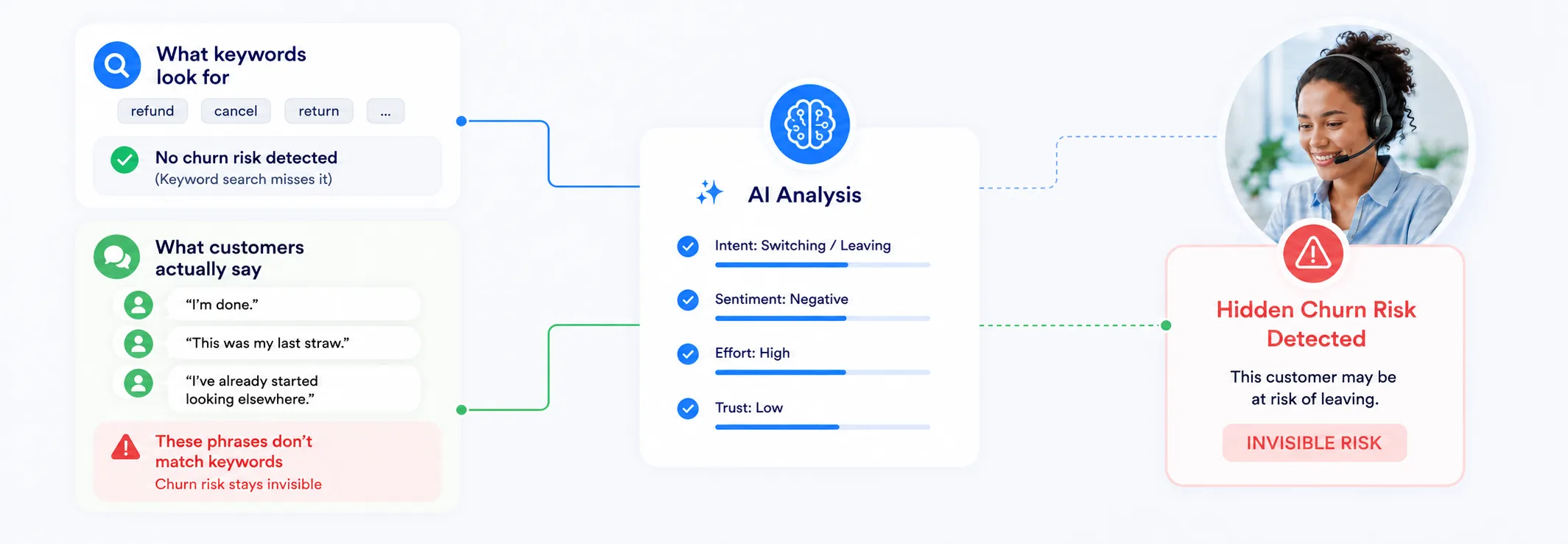
A telecom provider has configured its speech analytics platform with a “Cancellation” topic, a list of keyphrases it expects customers to say when they want to cancel or leave. The system scans every call transcript for those phrases. If none are found, no alert fires.
No alert. No supervisor notification. No retention workflow triggered. She churned quietly. The dashboard never recorded a cancellation event because to the system, a cancellation never happened.
Why this happens
Keywords only find what someone thought to look for.
Every platform works the same way: an analyst lists phrases they expect customers to say, then the system scans transcripts for matches. Found = flagged. Not found = invisible.
Vendors have improved this over the years, but the constraint is structural: the system can only find what someone anticipated in advance.
Estimates based on industry patterns. Actual coverage varies by configuration quality.
The red bar is where the highest-value conversations live, and where keyword detection is least effective. So what’s the alternative?
Enter Deep Prompt
Keywords answer what was said.
Deep Prompt answers why it was said.
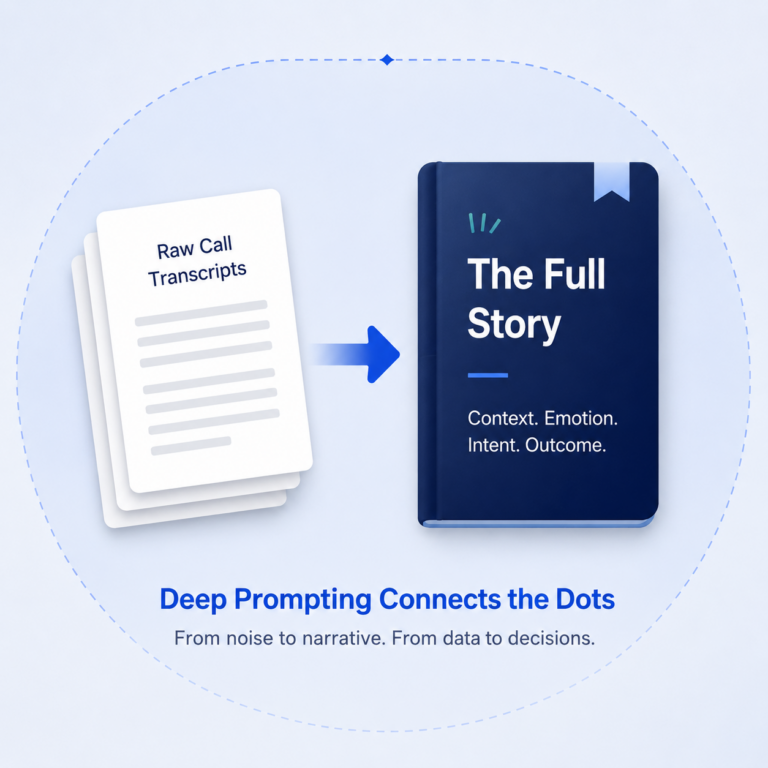
Deep Prompt is SuccessKPI’s GenAI analytics capability. Instead of scanning for pre-defined phrases, it reads the full conversation and extracts structured answers: scores, summaries, reasons, and recommended actions. You describe what you want to understand in plain English. The AI does the rest.
| Keywords | Deep Prompt | |
|---|---|---|
| What it answers | “Was this phrase said?” | “What happened, why, and what should we do?” |
| Best for | Scripted, repeatable interactions | Emotional, indirect, or nuanced conversations |
| Output | Yes / No flag | Scores, summaries, reasons, actions |
| Cost per conversation | Low (no LLM tokens) | Higher (LLM processing per conversation) |
| Automation | Topic triggers Playbooks | Score-based triggers via Playbook Builder™ |
Choosing the right tool
Both methods have a place. The question is knowing which to use when.
Keywords and Deep Prompt are not in competition. For high-volume, predictable tasks like greeting checks, disclosure flagging, or product mentions, keywords are fast, cheap, and reliable. For anything requiring context, judgment, or understanding intent, Deep Prompt is the right call. The practical question is always: does this business question need context, or just a match?
In practice
A simple rule of thumb.
Back to the scenario
Same call. Same transcript. Here is what Deep Prompt found.
The customer from our opening example, the one who said “I’m done” instead of “cancel my account”, went undetected by keyword scanning. When the same transcript was run through Deep Prompt:
9 out of 10. Customer is actively switching to a competitor and requesting a final bill. Imminent departure.
“I’m looking at other providers”, active competitor research. “Started the switch”, defection in progress. “I’m done”, explicit disengagement.
Urgent retention outreach. Escalate to a retention specialist with billing resolution and loyalty offer. Standard scripts will not work.